STILLFRAME
A downloadable game for Windows
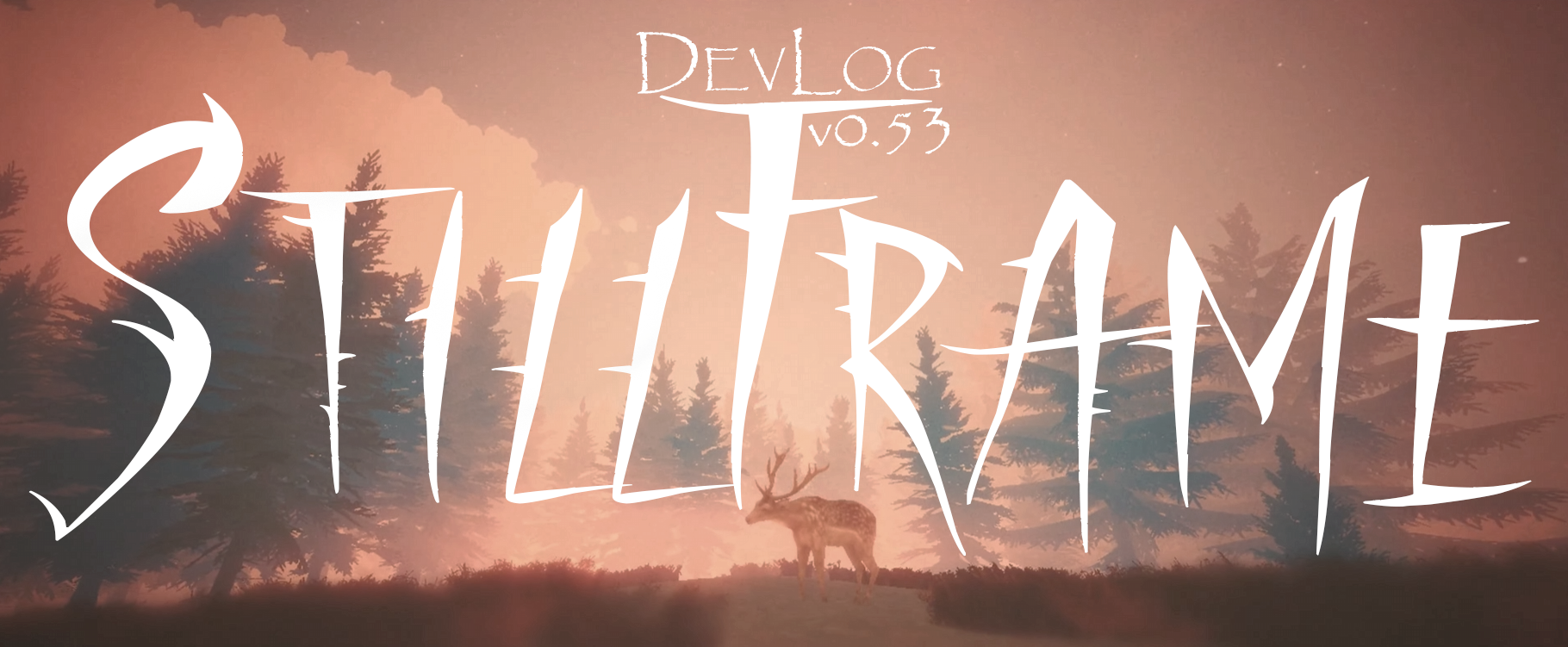
STILLFRAME v0.54 DevLog | Cinematic Main Menu with Dynamic Weather System
🎯 Project Context
STILLFRAME is a deer survival game set in a beautiful stylized alpine environment.
Players experience life as a deer, managing hunger, thirst, and temperature while exploring a living, breathing world powered by dynamic weather and seasonal systems.
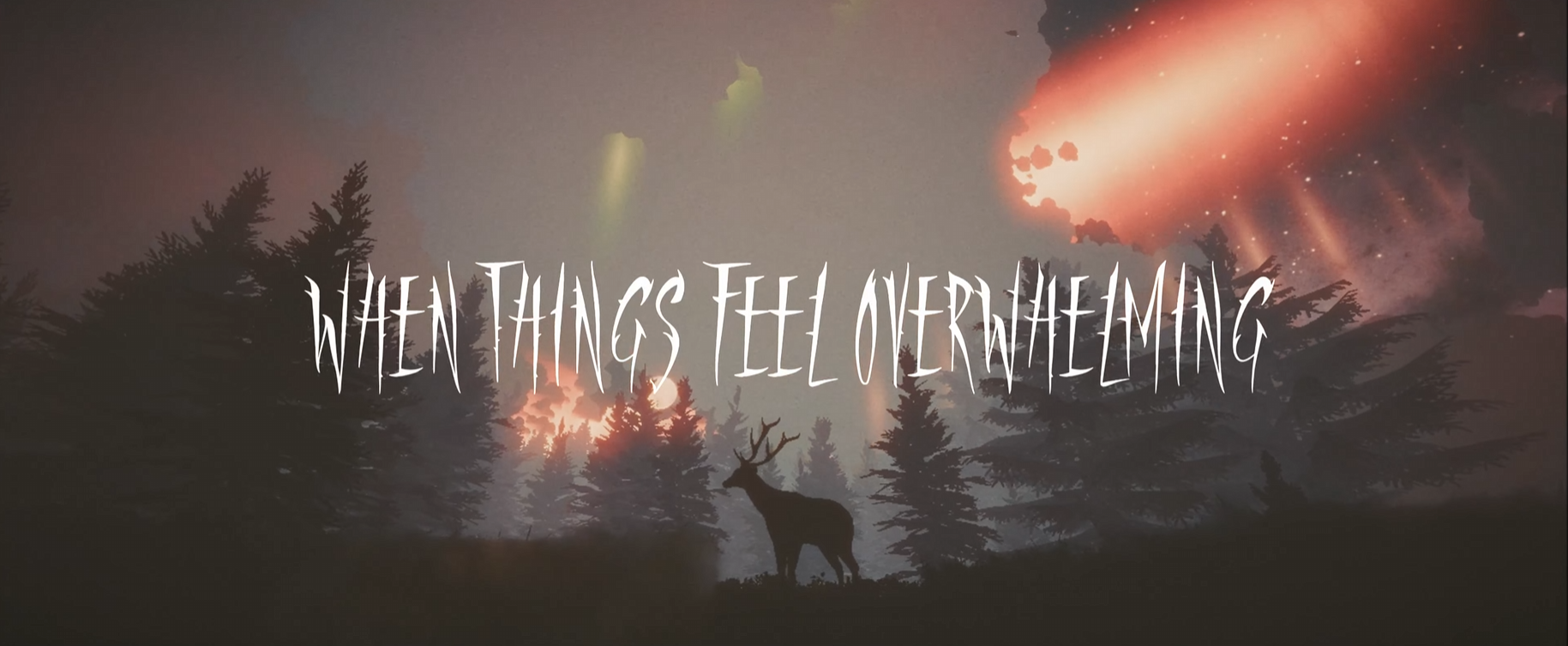
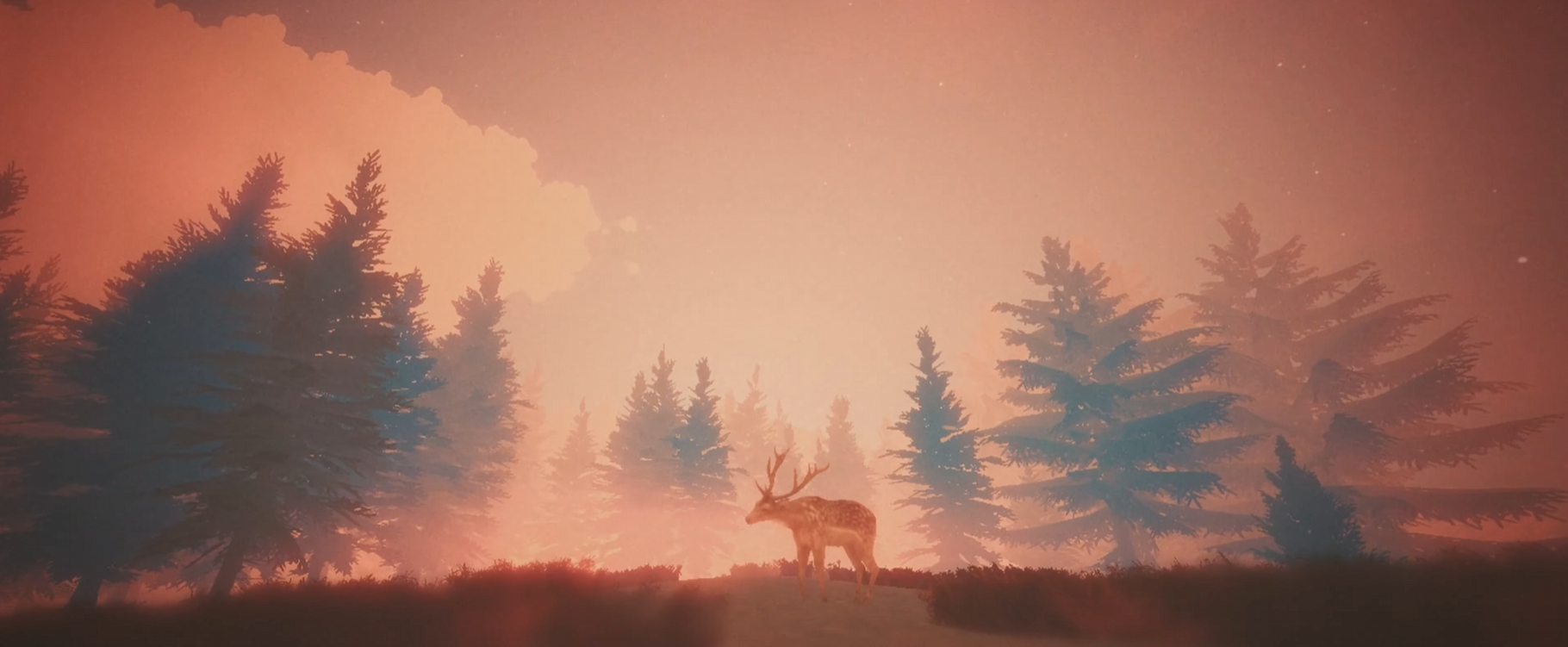
Watch as our deer survival game comes alive with a fully animated main menu featuring real-time weather generation!
📋 What's New in This Update
In this devlog, I'm showcasing the brand new cinematic main menu for STILLFRAME, complete with:
✨ Dynamic Weather System
Integrated Cozy Weather for real-time atmospheric effects
Random weather generation with smooth transitions
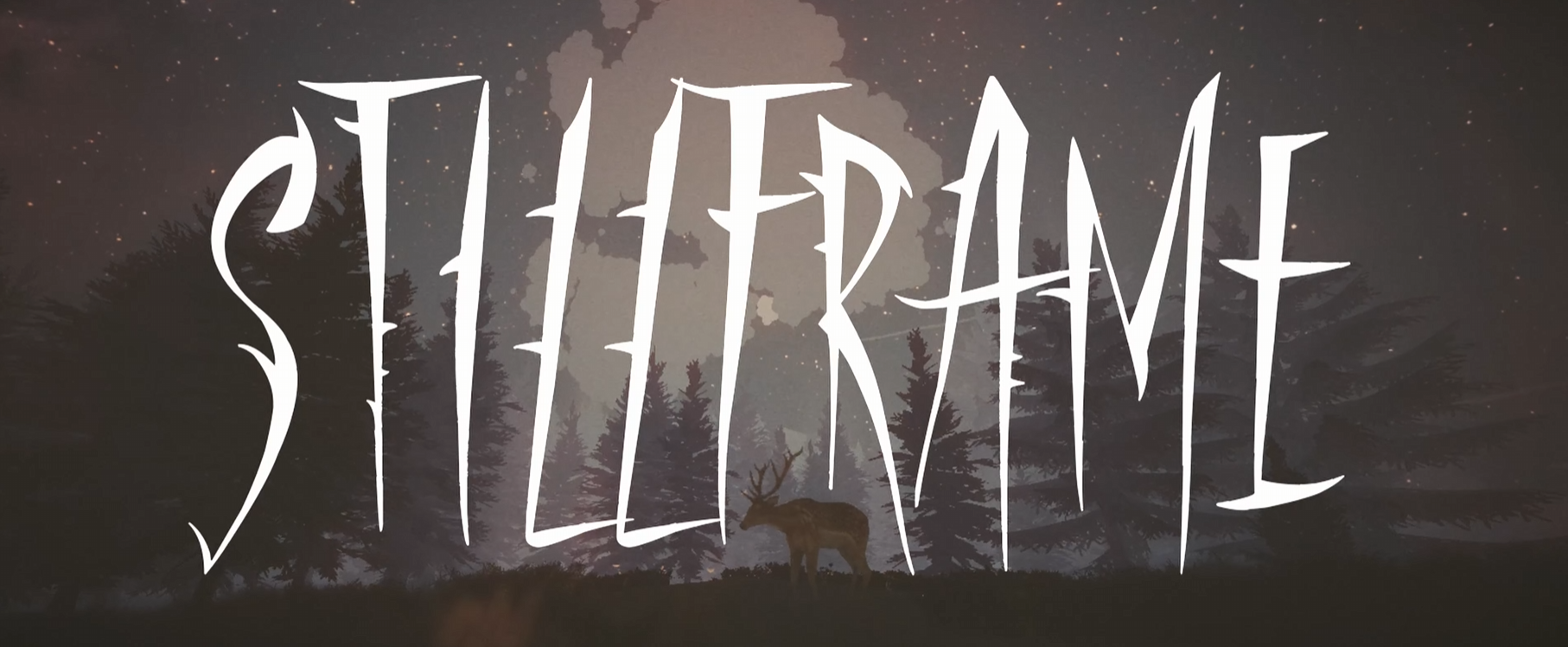
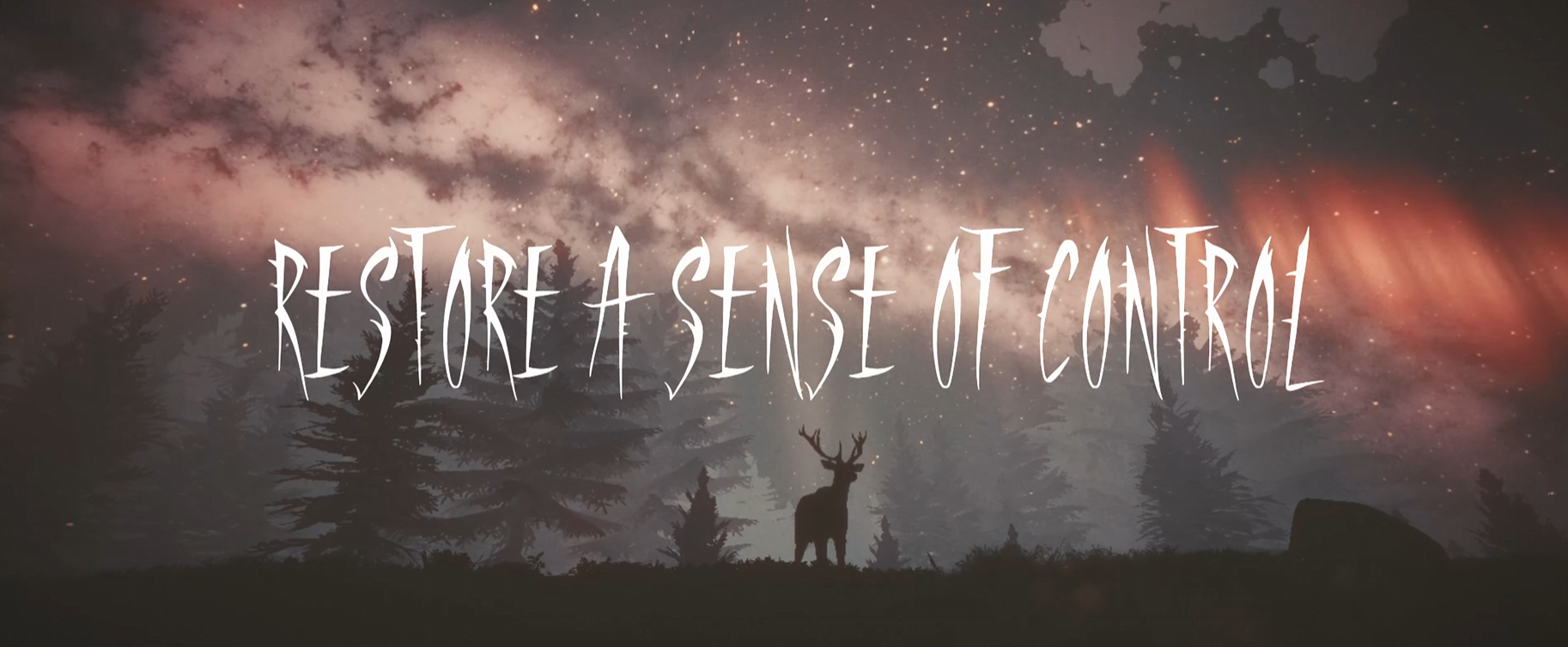
Day/night cycle with visible stars and celestial bodies
Multiple weather states (clear, overcast, storm, etc.)
Volumetric fog and cloud systems
🎬 Cinematic Presentation
Animated deer model positioned in a scenic alpine environment
Player follow camera for smooth cinematic movement
Post-processing effects with URP (Universal Render Pipeline)
Particle systems for stars, shooting stars, and atmospheric effects
🎨 Animated UI Elements
Title text material reveal using TextMeshPro Face Dilate shader animation
Floating subtitle with smooth back-and-forth motion
Menu panel breathing animation for living UI feel
Layered animation timing for professional polish
🛠️ Technical Highlights
Systems Implemented:
MainMenuWeatherController.cs - Random weather state management
TitleMaterialReveal.cs - Shader-based text reveal effect
UIFloatingAnimation.cs - Reusable UI motion controller
MainMenuDeerController.cs - Cinematic deer behavior
Key Features:
Gameplay systems disabled for cinematic focus
Camera optimized for skybox and particle rendering
Weather randomization on menu load
Smooth animation curves using SmoothStep interpolation
Built With:
Unity 6 (6000.3)
Universal Render Pipeline (URP)
Cozy Weather System
Gaia Pro terrain tools
Input System package
💭 Developer Notes
This main menu took several iterations to get right.
The biggest challenge was ensuring all Cozy Weather particle effects (especially stars) rendered correctly with the player follow camera.
The solution involved:
- Properly linking CozyWeather to the active camera
- Setting correct camera clear flags for skybox rendering
- Enabling all particle system GameObjects in the hierarchy
- The animated UI adds that extra layer of polish that makes the menu feel alive without being distracting.
- Using shader-based text reveals and smooth floating animations creates a professional look that matches the game's aesthetic.
🔜 What's Next
Loading screen transitions
Settings menu integration
Audio implementation for menu ambience
Button interactions and navigation flow
Save/load system UI
🔔 Subscribe for more STILLFRAME devlogs and Unity game development!
💬 Let me know in the comments what you think of the main menu design!
📱 Follow Development:
Itch.io - https://coffinbreakstudios.itch.io/stillframe
YouTube - https://www.youtube.com/@CoffinBreakStudios
Hugs
Download
Click download now to get access to the following files:
Development log
Leave a comment
Log in with itch.io to leave a comment.